Publish and reconcile a plan
Before you begin: open Planning and select Three-year plans.
- For a new plan, enter Name, Program area, and Start year, then select Create draft.
- Add each activity with treatment, year, acreage, and land association.
- Review the draft and resolve validation messages.
- Publish it through the approved review path.
- For a changed published plan, select Revise; do not alter the old baseline.
- Connect work orders to the correct activities.
- After completion, compare planned acreage and estimate with treated acreage and actual cost; document material differences.
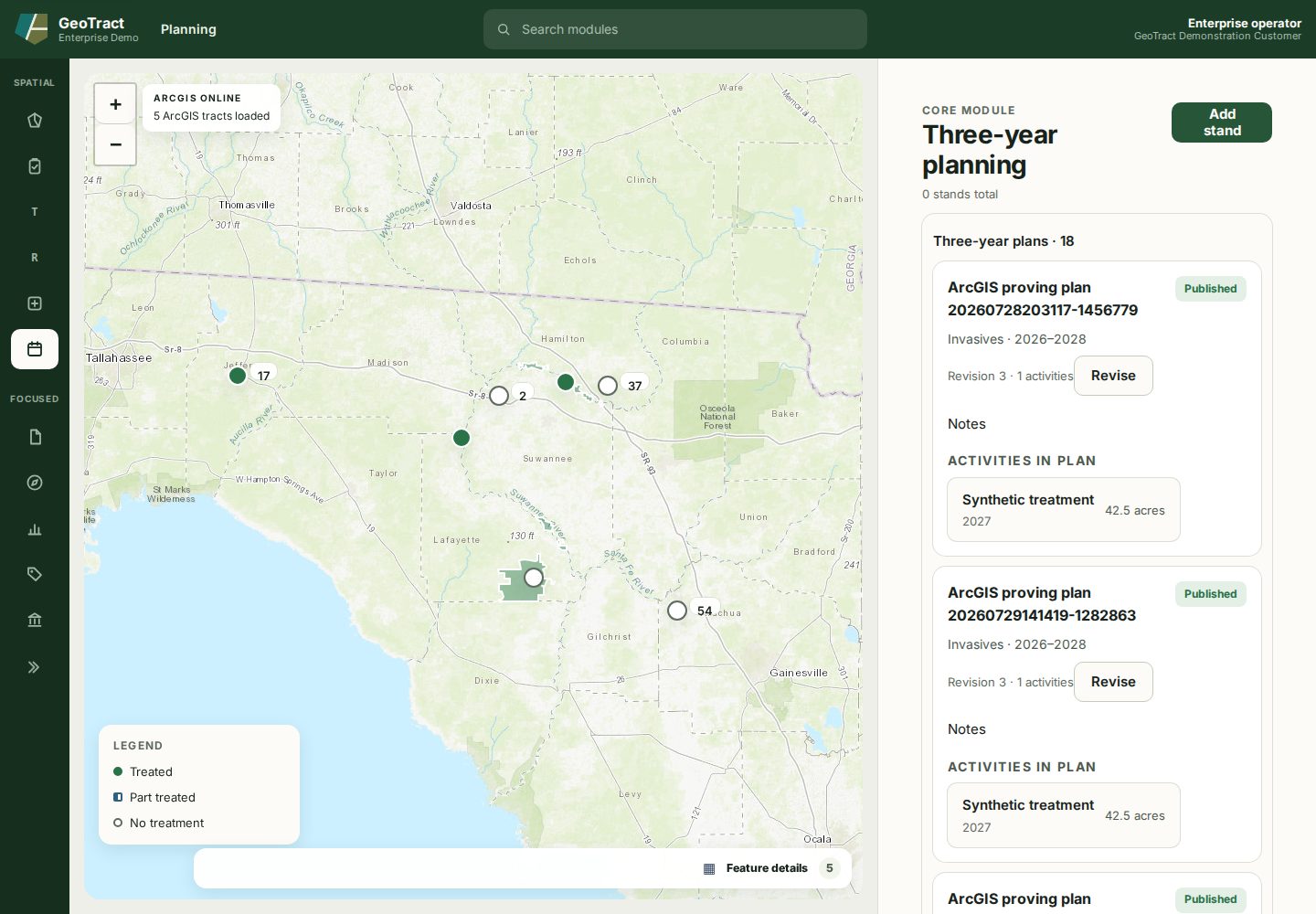
Done when: the published revision is identifiable, work is linked to it, and unresolved variances have an owner or explanation.