Complete a work order
Before you begin: have the approved completion details, actual cost, treated acreage, and evidence. Confirm the order has the right type; its type determines required completion fields.
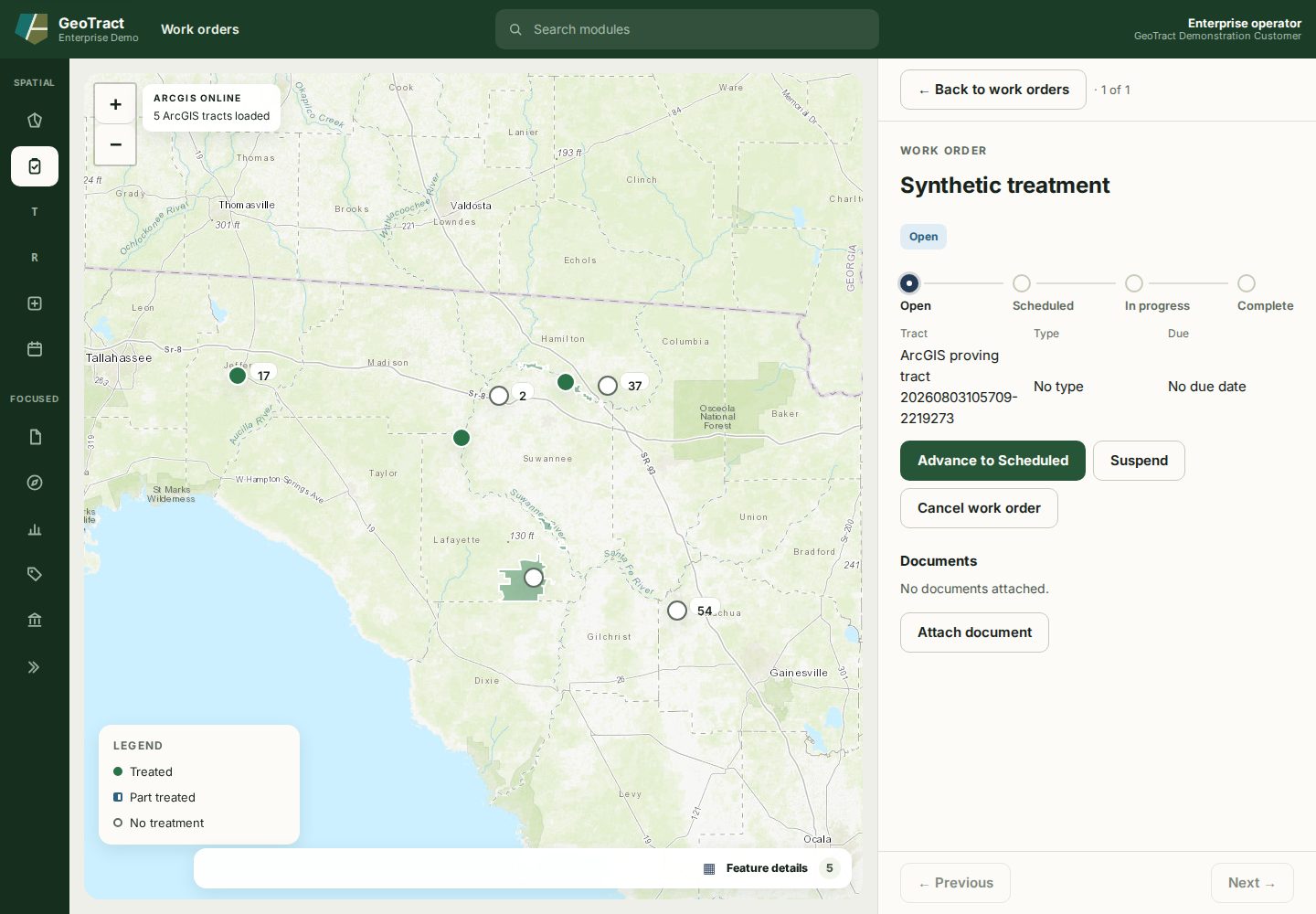
- Open Work orders, search for the title, and verify tract, type, due date, associations, and scope.
- Advance the order through Scheduled to In progress, confirming each success message.
- At In progress, select Complete work order.
- Answer every required What was done field.
- Enter optional Acres treated and review any planned-acreage variance.
- Enter Actual cost, or enter Labour, Equipment, and Materials and verify the calculated total.
- Review the warning: completion cannot be undone and posts the total to finance.
- Select Complete and post, wait for the success message, and confirm the order shows Complete with completed-by and actual values.
- Attach approved evidence if it is not already on the order.
Done when: the completed record shows the actual outcome and the integration update is queued. If work was partly done, complete it with actuals; do not use Cancel work order, which asserts no work or cost occurred.