Work orders and timber activity
Find and create work orders
The Work orders workspace groups active work by due window and provides status filters for Open, Scheduled, In progress, Complete, Suspended, and Cancelled.
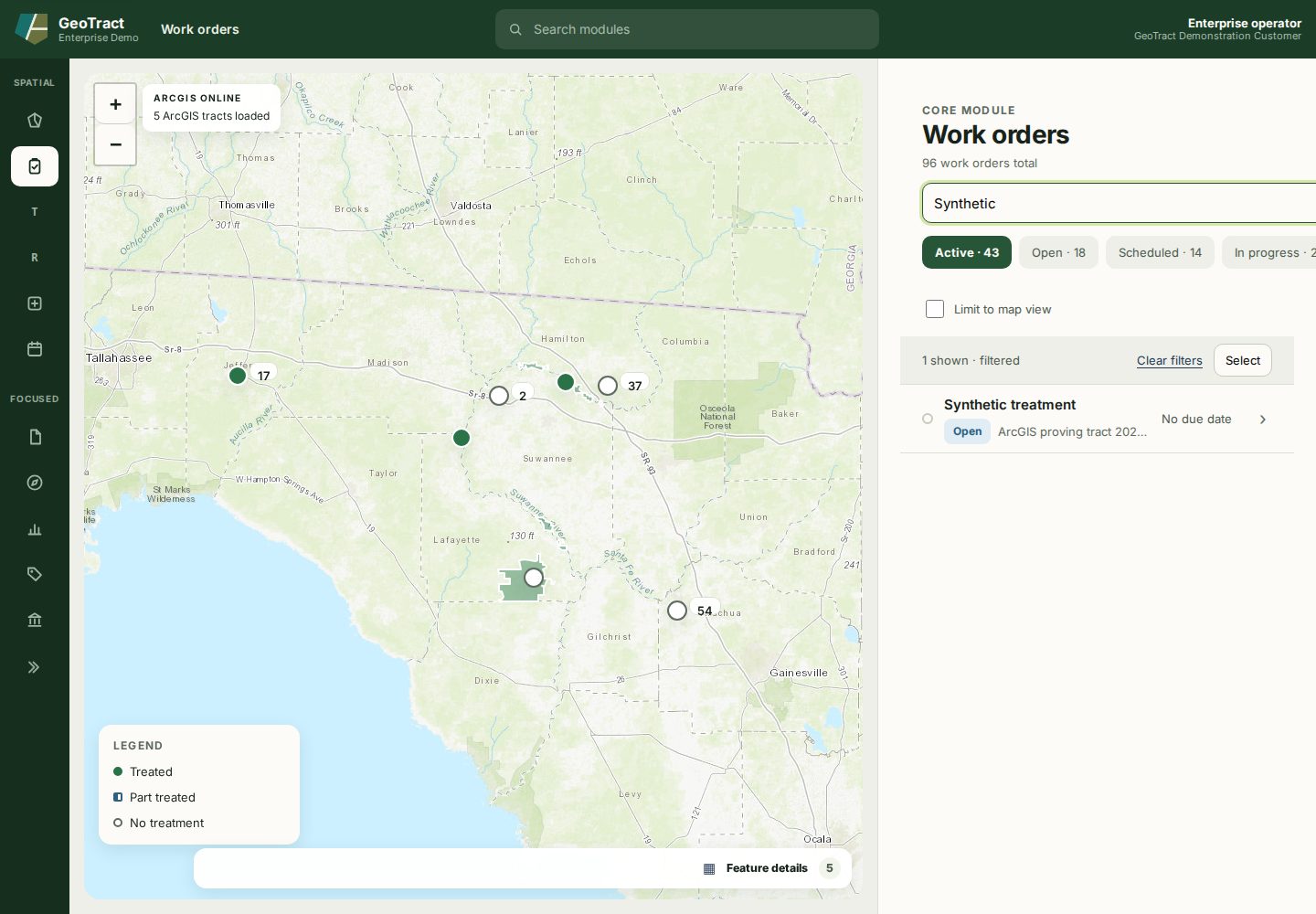
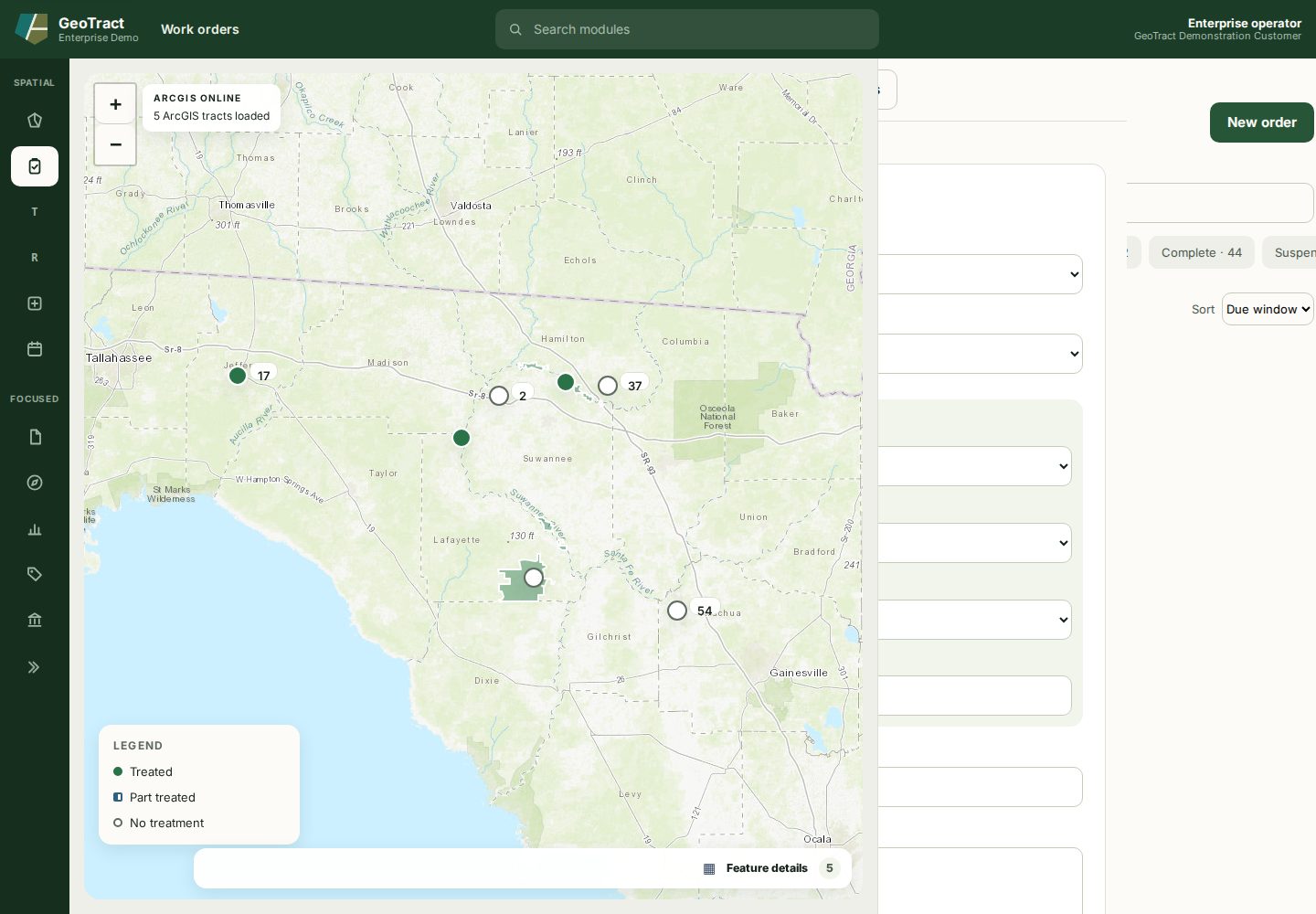
Select New order, then choose the tract and type. Optionally connect a contract, purchase order, or facility and enter region, title, notes, due date, and estimated cost.
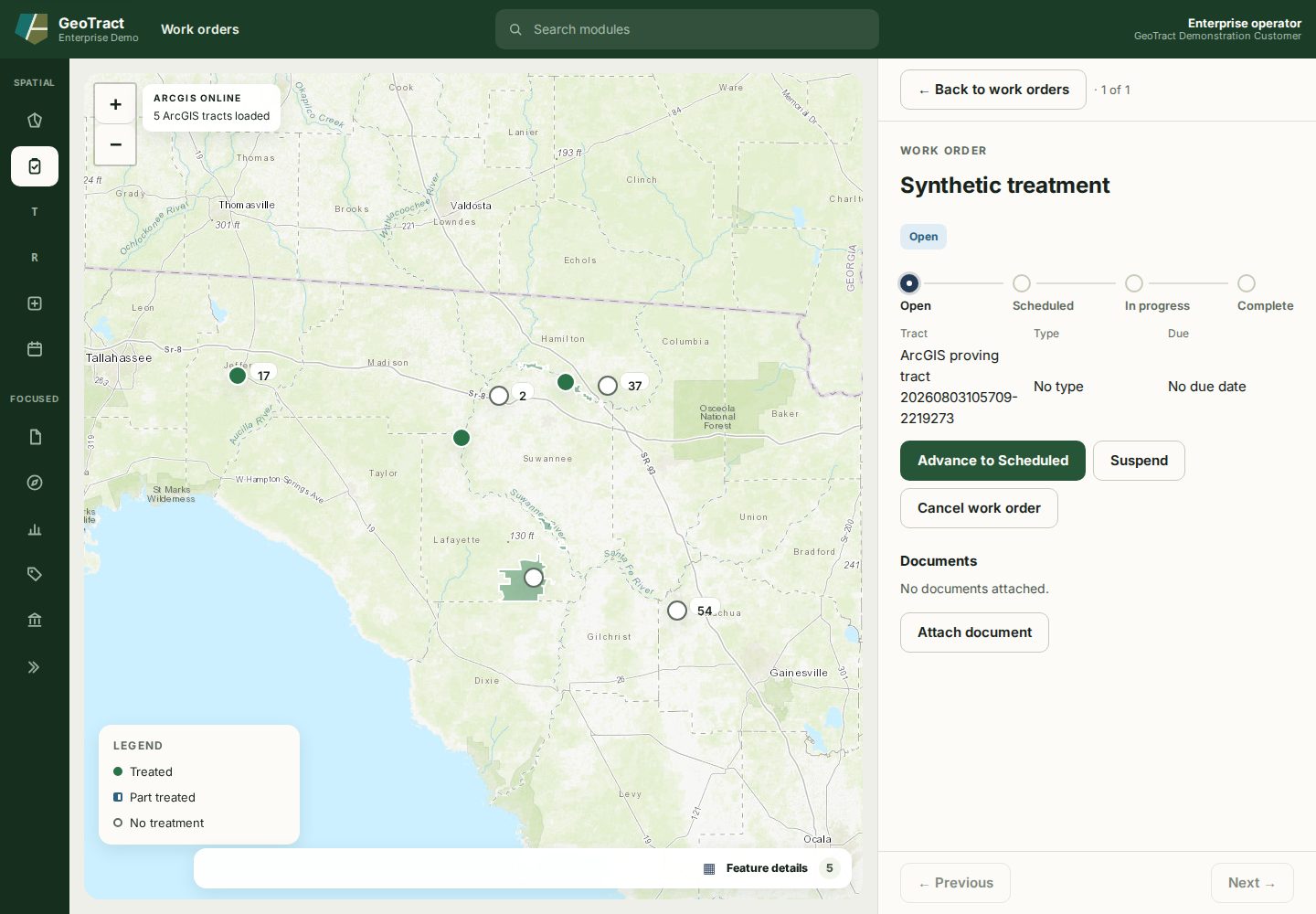
A work order progresses Open → Scheduled → In progress → Complete. Use the visible Advance to… action and confirm the success message. Suspend requires a reason and removes the order from overdue grouping until resumed. Cancel work order is terminal and asserts no work or finance posting occurred.
Completion cannot be undone. At In progress, select Complete work order, answer the type-specific fields, enter optional acres treated, and enter either an actual-cost total or labour, equipment, and materials components. Complete and post records the treatment and queues the finance integration.
Correct a work order
Mistakes do not require cancelling and recreating. Open the order and select Edit details to correct its title, notes, due date, and estimate — a burn window that moves is a corrected due date, not a new work order.
Four fields are what a correction covers. The tract is not among them: work against a different tract is a different work order. A field left empty is cleared on the record, so retype a value you want to keep rather than blanking it to fix it later.
Correcting stops once an order is Complete or Cancelled. Those figures have been reported — a completed order's estimate is what its cost variance was measured against — so the Edit details action is not offered on them.
Give an untyped work order its type
An order created without a type cannot record what the crew did, because the type is what decides which fields completion asks for. Bulk-created orders start this way.
Open the order — the facts list reads Type: No type — and select Set type, then choose from the catalogue and save.
Set the type before the crew goes out. The action is offered while the order is untyped and retires once a type is set: changing it afterwards would strand answers already recorded against the previous type, so a mis-typed order should be cancelled with a reason rather than re-typed.
Timber sales
Open Timber for pre-harvest planning and sale oversight. Start with New timber sale, connect the correct tract and approved associations, and maintain the sale through its configured milestones. Attach contracts and evidence to their owning records rather than repeating their contents in notes.
Price the sale and value its loads
A sale carries a stumpage schedule: a rate for each product class, with the diameter range, top diameter, and minimum length that decide what counts as that class. Open the sale and select Set stumpage schedule, then enter a class, a rate, and the unit the rate is per.
Set the schedule before recording loads. Each load is priced when it is recorded, using the schedule in force at that moment — the rate the timber was actually sold at. Amending the schedule later prices loads recorded from then on and leaves earlier ones alone, so revenue already reported is never restated.
A load whose product has no rate is shown as unpriced rather than valued at zero, and the sale reports how many loads are in that state. Unpriced and worthless are different facts about a load of timber, and the guide will not let one stand in for the other. A rate priced per ton will not value a load measured in cords; record the load in the unit the rate uses.
District terminology and a complete timber exercise remain UAT validation items.