Three-year plans and reconciliation
Open Planning, then select Three-year plans above the stand list. Plans use controlled revisions so users can distinguish a draft from a published baseline.
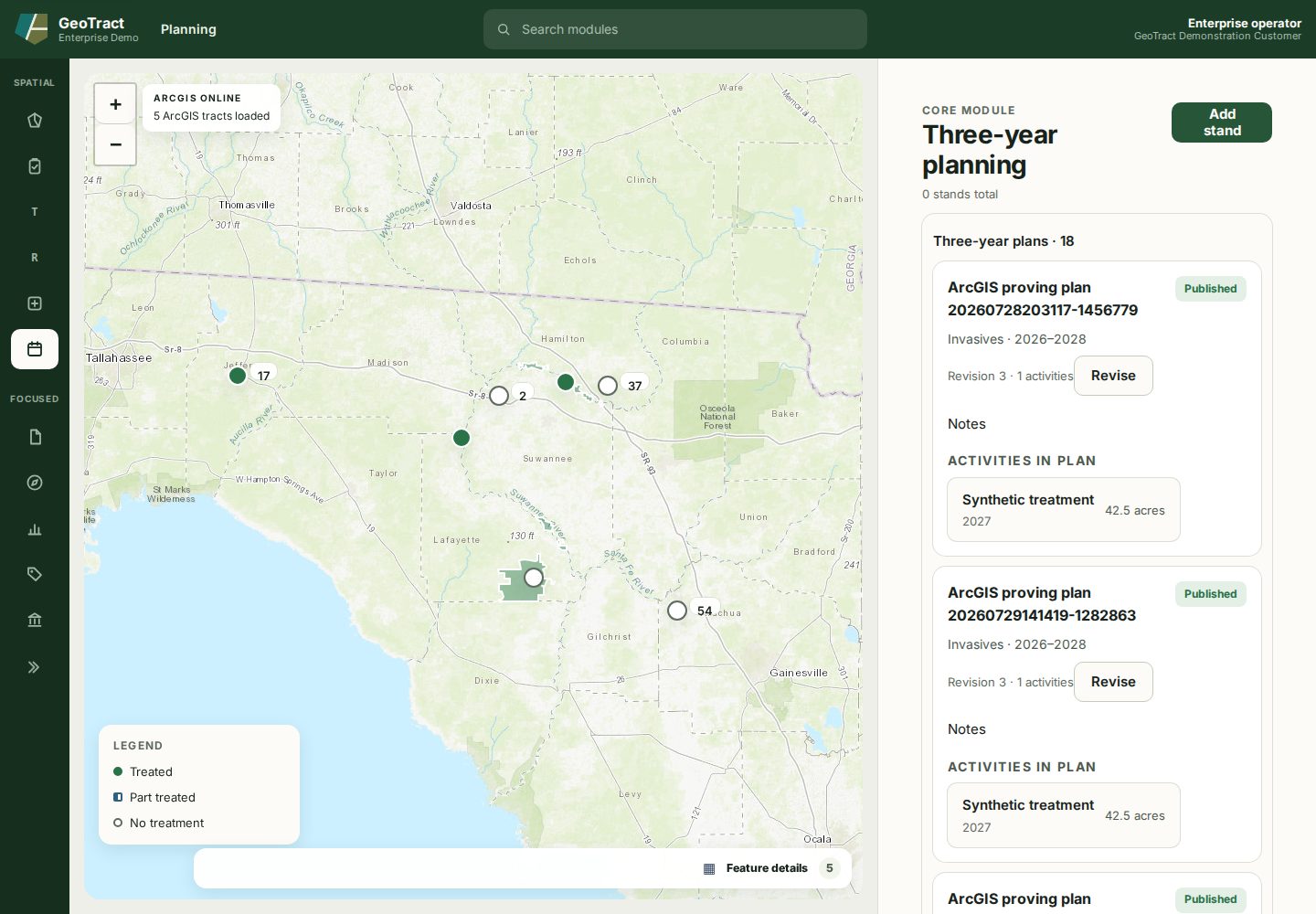
Create and publish
- In New plan, enter Name, Program area, and Start year, then select Create draft.
- Add activities with their treatment, year, acreage, and related land unit.
- Review the draft and resolve validation messages.
- Publish it using the approved review procedure.
Published cards show the status, program and year range, revision, activities, and Revise action. Do not edit an older published baseline to represent a new decision; select Revise and work in the new revision.
Correct a draft plan and its activities
A mis-keyed activity generates real field work every time the plan is published, so correct it rather than working around it. On a Draft plan:
- Edit on an activity row corrects its title, year, and planned acres.
- Remove takes the activity out of the plan.
- Edit plan corrects the plan's own name, program area, and start year.
Correcting stops at publication. A published revision is a commitment other records point at, and renaming it would change what a reader believes was approved. Use Revise to open the next draft, where correcting is available again — and note that revisions already published keep the name they went out under.
Correcting a plan's description does not move its revision number. The number tracks what the plan asks for, not what it is called, so only activity changes advance it. Plan corrections are attributed in the plan's history, recording who made the change and what it said before.
Reconcile planned and actual work
Connect generated or manually created work orders to the correct plan activity. When work is completed, record its treated acreage and actual cost. Review the plan against work-order and reporting actuals and explain material differences. Publishing approves a plan revision; it does not assert the activity occurred.