Field operations
Field operations provides assignments and server-authoritative completion sync for crews that may work while disconnected.
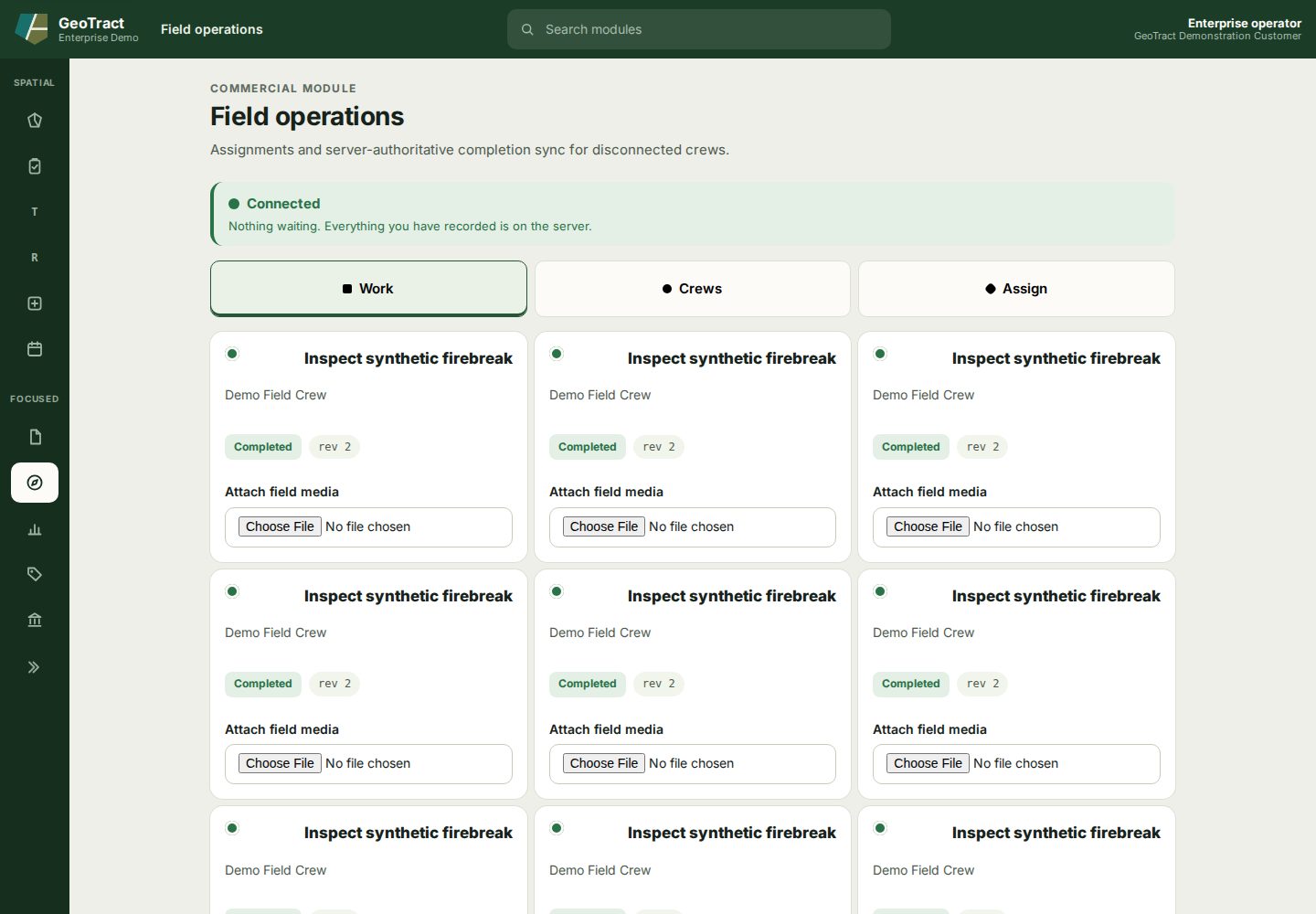
Use the workspace
- Check the connection banner. Connected and “Nothing waiting” mean local entries are synchronized with the server.
- Use Work to review assignments and status.
- Use Crews to review the available crews.
- Use Assign to connect authorized work to a crew.
- Record the required completion details and attach approved field media.
- Wait for synchronization and confirm the server revision or completed status.
Do not close the browser or clear site data while changes are waiting to sync. A local entry is not authoritative until the workspace reports it is on the server. If two versions conflict, preserve the field evidence and follow the supervisor's reconciliation procedure.