Board portal and decisions
The Board portal assembles referred acquisition or disposition matters into meeting packets and returns recorded decisions to their source workflows.
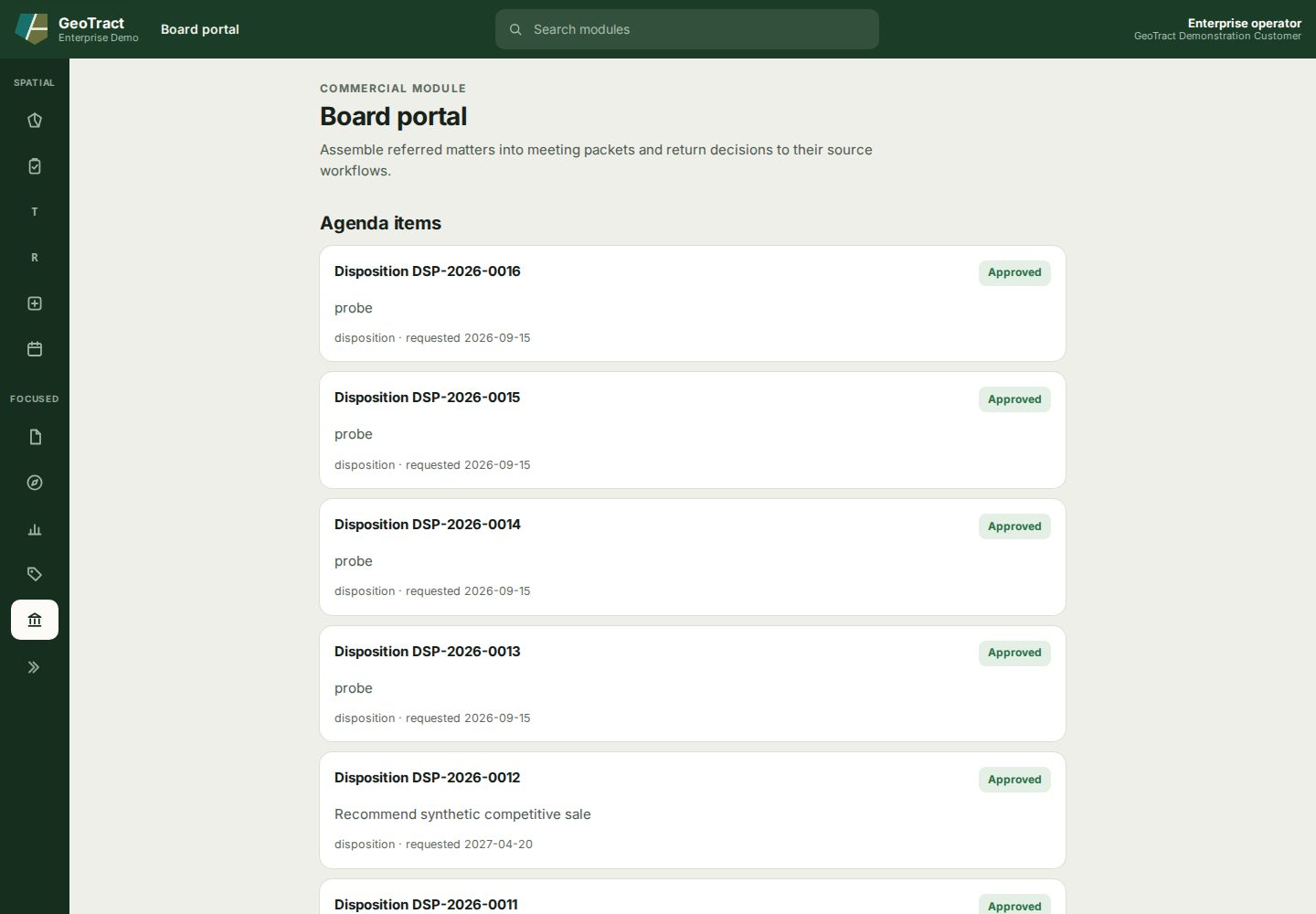
Create and process a packet
- Review the pending Agenda items and verify their source records.
- Select only the matters intended for the meeting.
- Enter Packet title and Meeting date, then select Create packet.
- Inspect the packet and source documents before distribution.
- After the meeting, record the official outcome and conditions for each item.
- Confirm the outcome appears on the source acquisition or disposition case.
Past packets preserve prior meeting groupings. Do not create a second packet to correct source data; correct the source record and follow the approved packet revision process. An item labeled approved reflects a recorded decision, while a pending agenda placement does not.